Facebook Video Quality, Explained
720p vs 1080p vs SD, why Facebook re-encodes, and how to grab the best MP4 the source actually allows — no upscaling, no re-encoding, no login.
HD Quality100% Free & SafeMP4 & MP3
How does it work?720p vs 1080p vs SD — What Each Format Really Gives You
| Format | Typical resolution | File size (1 min) | When it's the right pick |
|---|---|---|---|
| HD (720p) | 1280 x 720 | ~8–15 MB | The best merged file Facebook usually publishes. Choose it for TVs, editing and archiving. |
| Full HD (1080p) | 1920 x 1080 | ~18–30 MB (when it exists) | Rarely offered as a ready download. Only appears when the post genuinely carries a 1080p rendition. |
| SD (360p / 480p) | 640 x 360 to 854 x 480 | ~2–5 MB | Smallest file. Pick it on limited data, low storage, or for a short clip watched once on a phone. |
| Audio only (M4A) | No video | ~1 MB | When only the sound matters — talks, interviews, music — and picture quality is irrelevant. |
How to Pick the Best Quality in 3 Steps
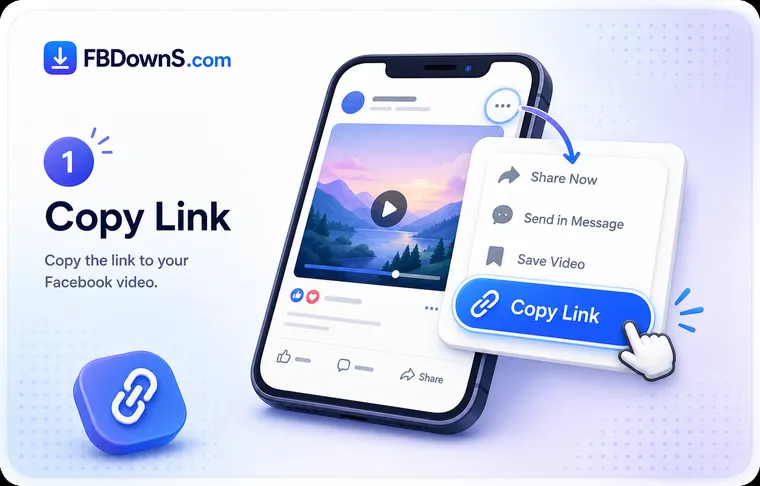
Step 1: Read the quality list, don't guess
Paste the video link and press Download. FB DownS returns the formats Facebook actually holds for that specific post. The list is not a fixed menu — it changes video to video, because it mirrors the real renditions on Facebook's servers.
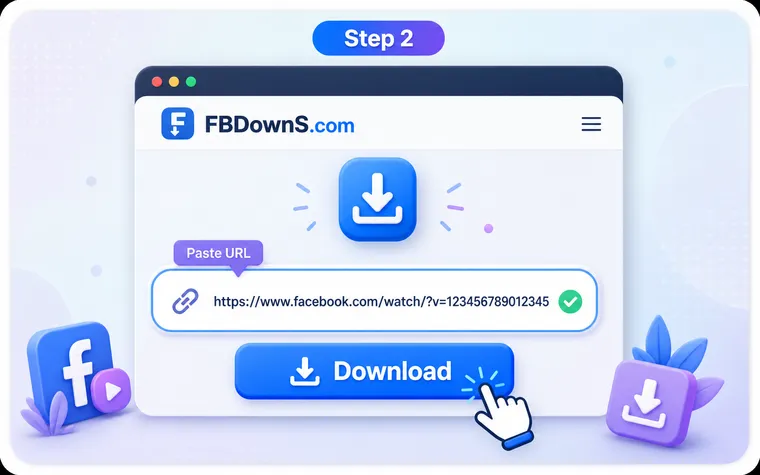
Step 2: Take the top entry for the sharpest copy
The highest item is the best merged video-and-audio file available, normally labelled HD (720p). Ignore any 'enhance' or 'upscale' offer elsewhere — that re-encodes and softens the picture instead of adding real detail.
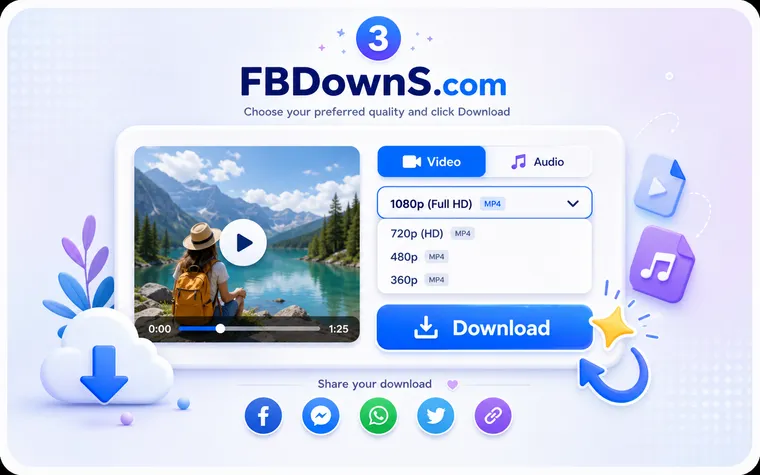
Step 3: Match the format to where it will play
Going to a big screen or an edit timeline? Take HD. Tight on data or storage for a throwaway clip? SD downloads in a fraction of the size. Only need the words? Grab audio-only. The right choice depends on the destination, not just the biggest number.
How the Quality Is Preserved
The genuine ceiling, shown
You see the true top rendition Facebook serves for that post — normally 720p — not a bigger number invented to look impressive. What the list says is what the source actually contains.
No re-encoding pass
The MP4 is copied through byte-for-byte. A re-encode would discard fine detail permanently and add compression artefacts, so FB DownS never re-processes the picture on its way to you.
Original bitrate preserved
The download keeps the exact video and audio bitrate Facebook published. Nothing is re-compressed to hit a target size, so motion and shadow detail survive intact.
No upscaling tricks
Stretching 720p to a 1080p pixel count makes a heavier file that looks no sharper and often slightly worse. This tool declines that game and returns the real resolution only.
Frame and audio kept in step
Aspect ratio, frame rate and the audio track stay exactly as uploaded — no cropping to a new shape, no re-timing, no silent gaps between picture and sound.
Honest about the source cap
If the upload was soft, the download will be too — no tool recovers detail that was never filmed. FB DownS reports what exists rather than promising a resolution the post can't provide.
Why 720p Is Usually the Real Ceiling
Why Facebook re-encodes and caps most videos at 720p
When you upload, Facebook does not keep your file as-is. It transcodes the video into its own set of renditions, delivered as adaptive streaming: video and audio are split into short fragments the player stitches together as you watch. Because of that, there is usually no single 1080p file sitting on a server ready to hand over — the one complete, downloadable, merged file Facebook publishes is normally the 720p HD version. That transcode is also where quality is decided: Facebook picks a bitrate for each rendition, and a lower bitrate means fewer bits describing each frame, so fast motion and dark areas lose detail even at a nominal 'HD' label. This is why the honest ceiling for a straightforward Facebook download is around 720p, and why any site guaranteeing 1080p or 4K from any link is either upscaling or mislabelling.
The upload sets the maximum — the downloader only preserves it
Two videos saved with the same tool can look completely different, because the difference was baked in before you arrived. A clip filmed on a modern phone and uploaded carefully carries a clean HD rendition with a healthy bitrate. One that was screen-recorded, re-shared several times, squeezed through a messaging app, or streamed live on a weak connection may only ever have a soft, low-bitrate version — there is nothing sharper to fetch. The best a downloader can do is preserve the top rendition without a second re-encode, which is exactly the point: your copy should equal Facebook's copy, not fall a generation behind it. If you want the crispest possible result, the real lever is the original upload quality, not the tool — so when you control the source, upload at a high bitrate first, then download the 720p rendition to keep the best version Facebook will hand back.
Facebook Video Quality — Frequently Asked Questions
Why does my Facebook download come out at 720p instead of 1080p?▾
Because 720p is the merged, ready-to-download rendition Facebook publishes for most posts. Higher resolutions are streamed as separate adaptive fragments rather than a finished file, so 720p is normally the genuine ceiling. It is a property of how Facebook stores video, not a limit of the tool.
Does downloading re-encode the video and lose quality?▾
No. FB DownS copies the file through without re-encoding, so your MP4 is identical to the one Facebook serves, at the same bitrate. Quality only drops when a tool re-processes the video — to add a watermark, change the container, or fake a resolution — which is exactly what this avoids.
Is a '1080p' or '4K' Facebook download from other sites real?▾
Usually not. If a site guarantees 1080p or 4K from any Facebook link, it is either upscaling a 720p file — more pixels, no extra detail, often slightly worse — or relabelling the same 720p as HD+. A genuine tool shows the formats that actually exist for that post, which is why the list changes video to video.
What is bitrate and why does it matter more than resolution?▾
Bitrate is how many bits describe each second of video. Two files can both say 720p yet look different because the higher-bitrate one keeps more detail in motion and shadows. Facebook assigns a bitrate during its transcode, and that number — not just the resolution label — decides how sharp the result feels.
How can I get the sharpest possible copy of a Facebook video?▾
Always take the top entry in the quality list and skip any 'enhance' or 'upscale' option. If you control the original, upload it at a high bitrate first — Facebook's transcode can only work from what you gave it, so a better source produces a better 720p rendition to download back.
Why does the same tool return a crisp file for one video and a soft one for another?▾
The difference is the upload, not the download. A clip filmed on a good camera at a high bitrate has a clean HD rendition; one that was screen-recorded, re-shared, or streamed live on a weak connection may only have a soft, low-bitrate version. No download recovers detail that was never captured.
How much bigger is an HD file than the SD version?▾
Roughly two to four times. A one-minute 720p clip is often 8–15 MB while the SD version is 2–5 MB, because HD carries more pixels at a higher bitrate. For long broadcasts that gap becomes hundreds of megabytes, so HD is worth downloading over Wi-Fi rather than mobile data.
When should I deliberately choose SD instead of HD?▾
When storage is tight, your connection is slow, or you are saving a short clip to watch once on a phone. SD downloads in a fraction of the time and size, and on a small screen the quality difference is barely visible. If only the sound matters, audio-only is smaller still.
More Facebook download tools
Facebook Video Downloader
Save any public FB video in HD MP4.
Facebook Reels Downloader
Download Reels with sound, no watermark.
Facebook Story Downloader
Save Story videos & photos before they expire.
Private Video Downloader
Save private videos you're allowed to view.
Facebook Photo Downloader
Download photos in full resolution.
Facebook to MP3 Converter
Extract audio from any Facebook video.
Related searches
Common ways people search for the quality side of a Facebook video download:
- facebook video 720p vs 1080p
- download facebook video best quality
- why facebook video not 1080p
- facebook video bitrate explained
- download fb video highest resolution
- facebook hd re-encode quality
- get sharpest facebook download
- facebook video quality cap
- download facebook video without losing quality
- facebook full hd video download
- facebook video download high quality mp4
- does downloading facebook video reduce quality